
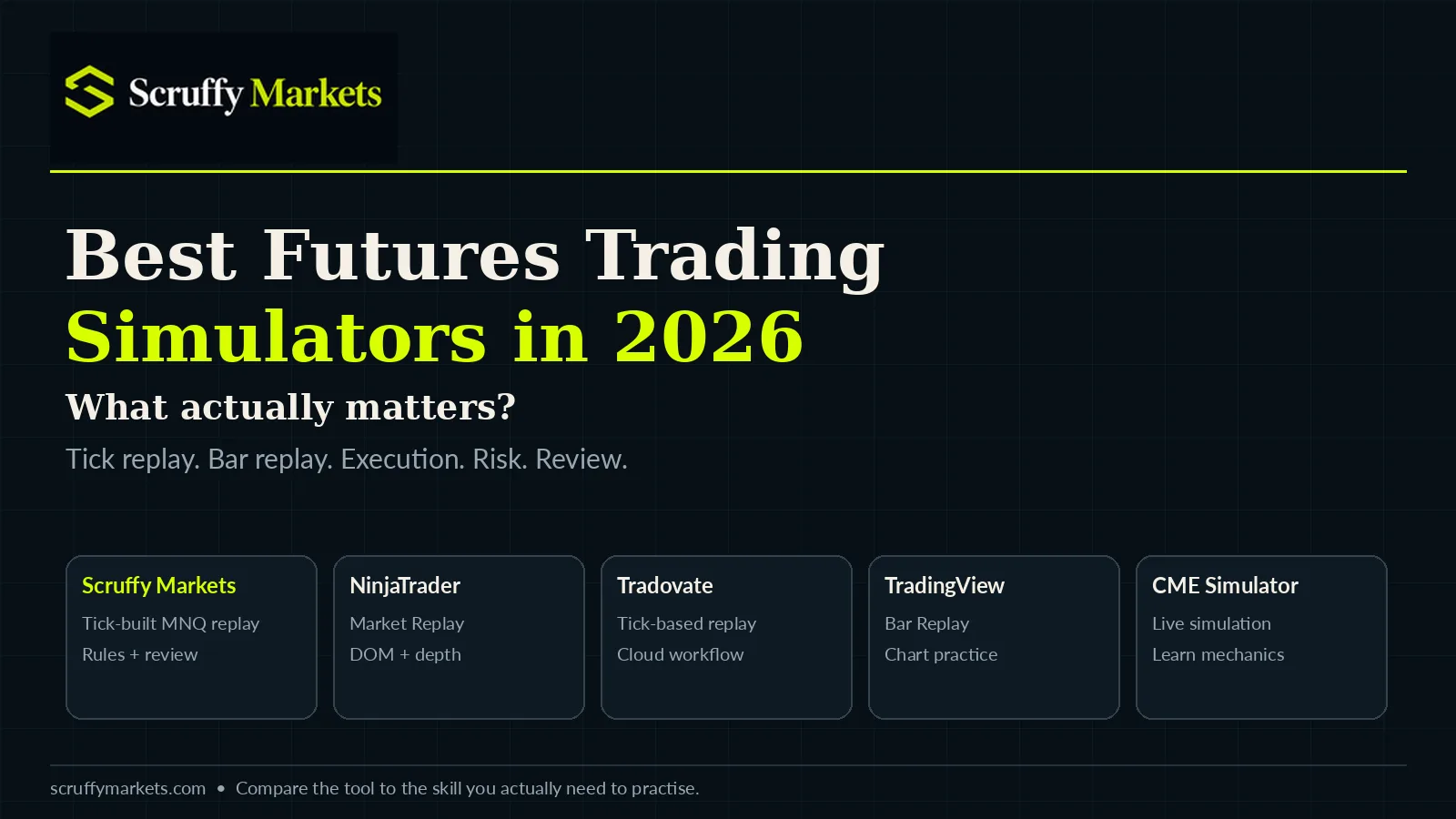
Best Futures Trading Simulators in 2026: What Actually Matters?
Search for the “best futures trading simulator” and you will find plenty of lists comparing features.
The problem is that most futures simulators are not trying to do exactly the same thing.
Some are built around professional execution. Some are primarily charting platforms with replay added. Others are designed to help traders practice specific behaviours, rules and routines.
So rather than pretending there is one simulator that is best for everybody, it makes more sense to start with one question:
What are you actually trying to get better at?
Before we go any further, a quick disclosure: we build Scruffy Markets, which is included in this comparison. We're obviously not independent when talking about our own product, so rather than declaring ourselves the winner, we'll explain what each platform is useful for and where Scruffy fits.
Quick Comparison
PlatformReplayParticularly useful forScruffy MarketsTick-built MNQ replayStructured practice, risk rules, review and coachingNinjaTraderMarket Replay and historical tick playbackDetailed futures execution, DOM and market-depth practiceTradovateTick-based Market ReplayBrowser-based futures execution and replayTradingViewBar ReplayStraightforward chart-based practiceCME Trading SimulatorSimulated current-market tradingLearning futures mechanics and order entry
The big difference between these platforms is not whether they can move a chart backwards and forwards. It is what they let you practice once the market starts moving.
Tick Replay vs Bar Replay
This is worth understanding because the word “replay” gets used quite loosely.
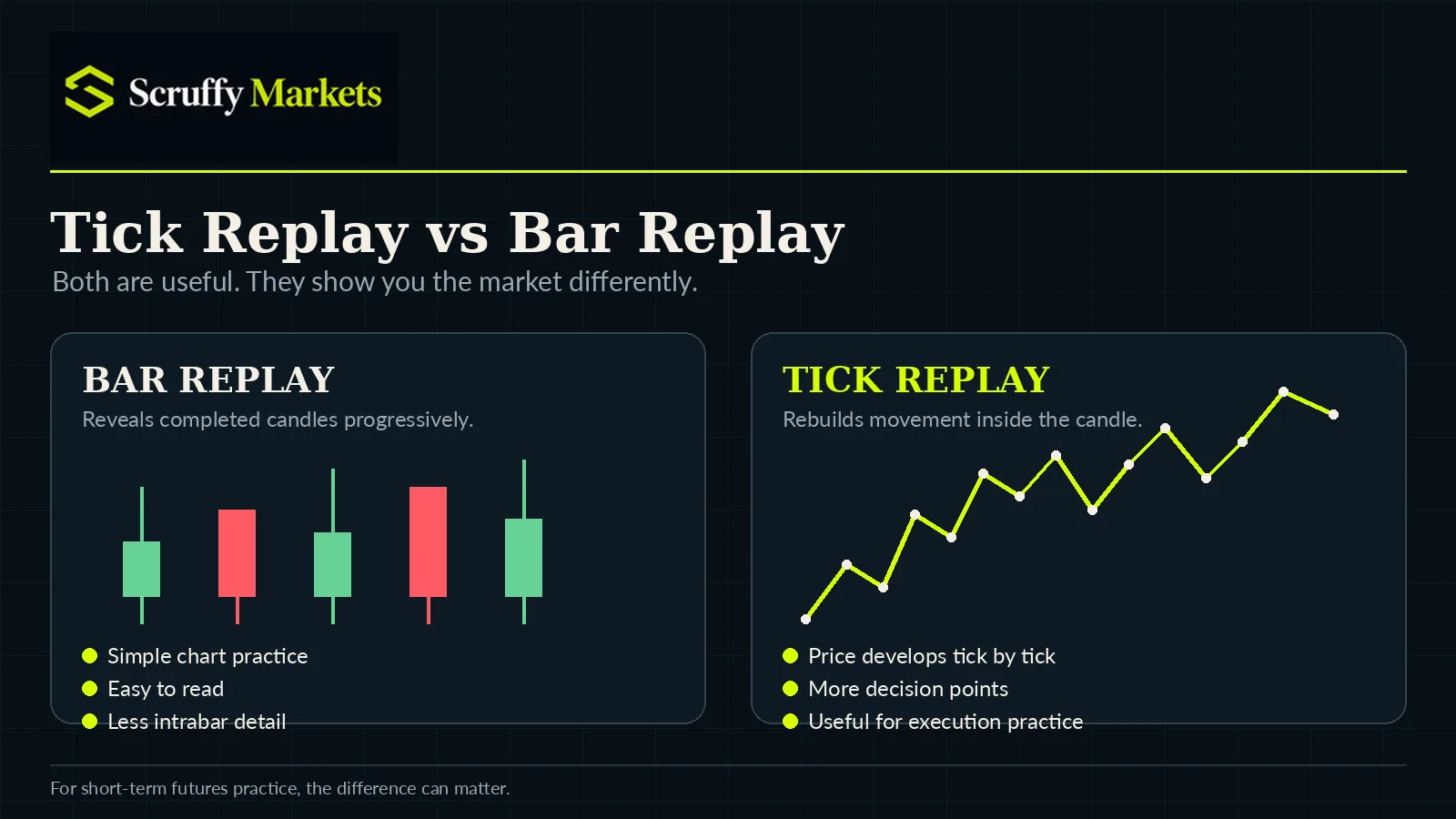
A basic bar replay reveals historical candles progressively. That is useful for practising chart reading because you no longer have the benefit of seeing how the entire session ended.
Tick replay goes further. Instead of simply revealing the next completed candle, the market is rebuilt from historical ticks, so price develops inside the candle as it did historically.
For a futures trader, that can make practice much more useful.
Price might move towards your stop, pull away, test the area again and only then continue. You have to make decisions while that movement is happening rather than looking at a completed candle afterwards and deciding what you “would have done”.
Scruffy Markets uses tick-built historical MNQ replay. NinjaTrader also provides detailed replay using its Market Replay data and historical tick playback, while Tradovate offers tick-based replay with market-depth information.
TradingView takes a simpler approach with Bar Replay, which is perfectly useful if what you mainly want is historical chart practice.
That does not make one automatically better than another. It depends on what you need.
NinjaTrader
NinjaTrader makes sense if a large part of what you want to practice is the execution environment itself.
It is a serious futures trading platform with charts, DOM tools, market depth, advanced order handling and detailed playback.
If you trade using a DOM, care about Level II information or want your simulator to resemble a professional futures workstation, NinjaTrader gives you a lot to work with.
The trade-off is that it is also a much bigger platform.
If your main problem is that you keep breaking your daily trading limit or revenge trading after a loss, you may not need all of that complexity just to work on the behaviour.
Tradovate
Tradovate sits somewhere between a traditional professional futures platform and a more accessible cloud-based trading environment.
Its Market Replay allows historical futures sessions to be replayed using tick data, and because Tradovate is cloud based, traders can access the wider trading platform through a browser rather than relying entirely on a desktop setup.
That makes it attractive if you want genuine futures execution tools and historical replay but prefer a more modern, browser-focused workflow.
If you already use Tradovate for futures trading, practising inside the same environment also has an obvious advantage: the interface and order-entry process remain familiar.
TradingView
TradingView is probably the easiest option to understand.
If you already use TradingView for charting, you can use Bar Replay to move through historical price action and make simulated trading decisions without learning an entirely different platform.
For practising chart setups, entries and general market reading, that simplicity is useful.
The main distinction is that TradingView's replay is much more chart focused than the tick-and-market-depth replay environments offered by specialist futures platforms.
For many traders that will not matter.
If your objective is simply:
Can I recognise my setup and make a decision without knowing what happens next?
TradingView can do that job very well.
CME Trading Simulator
CME's own simulator serves a slightly different purpose.
It is particularly useful for somebody who is learning how futures work and wants somewhere to practise order entry, market mechanics and futures contracts without putting real money at risk.
Because it comes from CME itself, it also sits naturally alongside CME's educational material.
I would look at it more as a learning environment for futures mechanics than as a dedicated historical replay training platform.
Where Scruffy Markets Fits
Scruffy Markets also has tick replay, but tick replay is not really the reason we built it.
There are already platforms that can replay markets.
The problem we wanted to solve was what happens after somebody has spent hundreds of hours using one and is still making the same mistakes.
Scruffy Markets uses historical MNQ tick replay so you can practice without knowing what happens next, but the replay sits inside a wider training process.
You can set trading rules, control position size, limit the number of trades you take and work within prop-style restrictions. Afterwards, you can review what happened rather than simply looking at the final simulated P&L and starting another session.
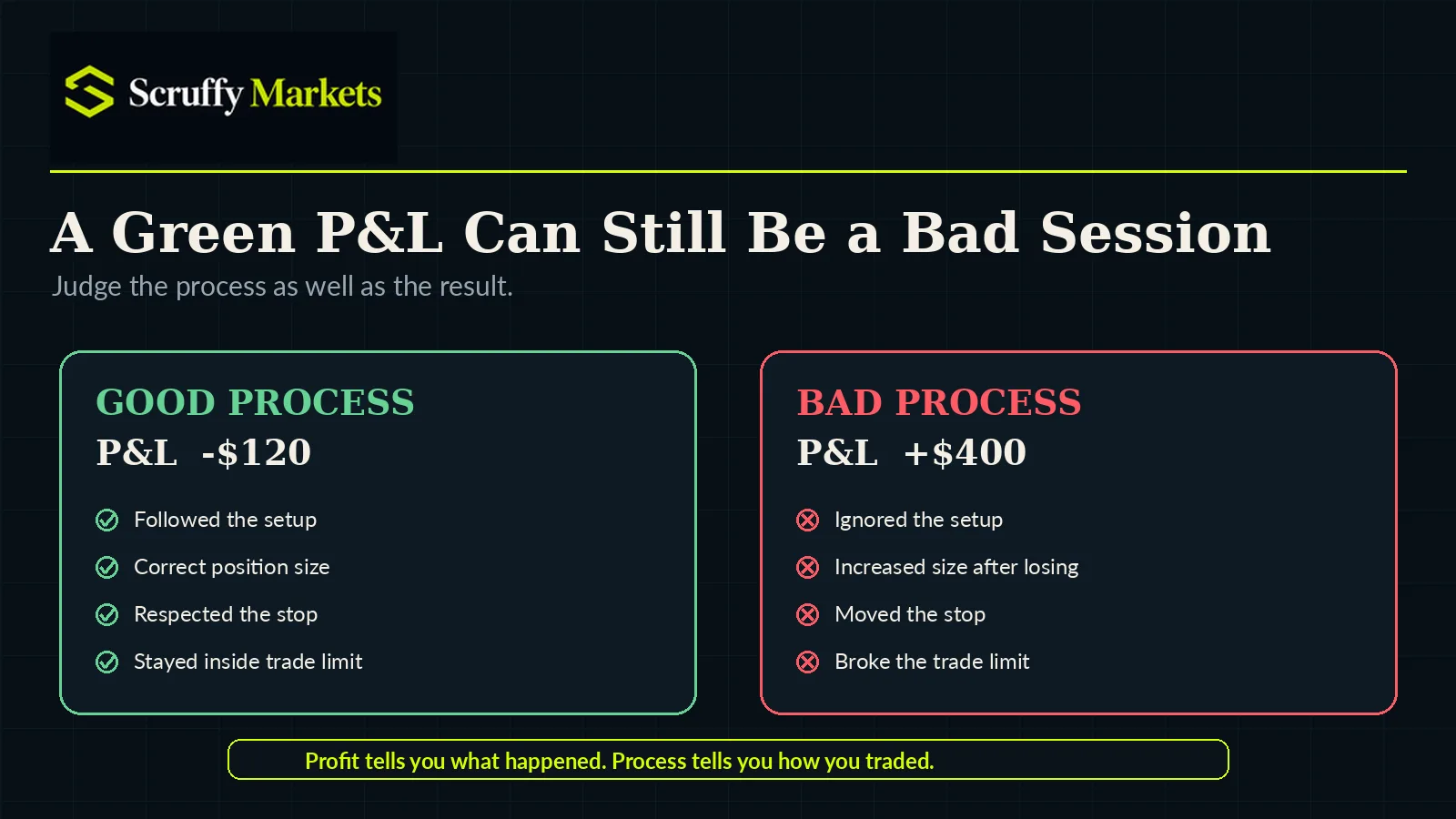
That distinction matters because a profitable simulated session is not necessarily a good trading session.
Imagine you ignore your setup, break your maximum trade limit, increase your size after losing and eventually catch one big winner.
You finish:
+$400
Great result.
Terrible process.
Another trader might follow the plan exactly, take two perfectly valid trades and lose both.
-$120
Financially worse.
Behaviourally much better.
That is why Scruffy Markets looks beyond the final number. The point is to identify what you are actually doing when you trade, then give you something specific to work on next time.
The basic loop is:
Plan → Practice → Review → Improve → Repeat
If what you need is a massive professional execution platform, NinjaTrader may make more sense.
If you want cloud-based futures execution and replay, Tradovate may suit you.
If you mainly want easy chart replay, TradingView may be enough.
Scruffy Markets is for traders who want to turn replay into structured practice.
What Should You Look For in a Futures Simulator?
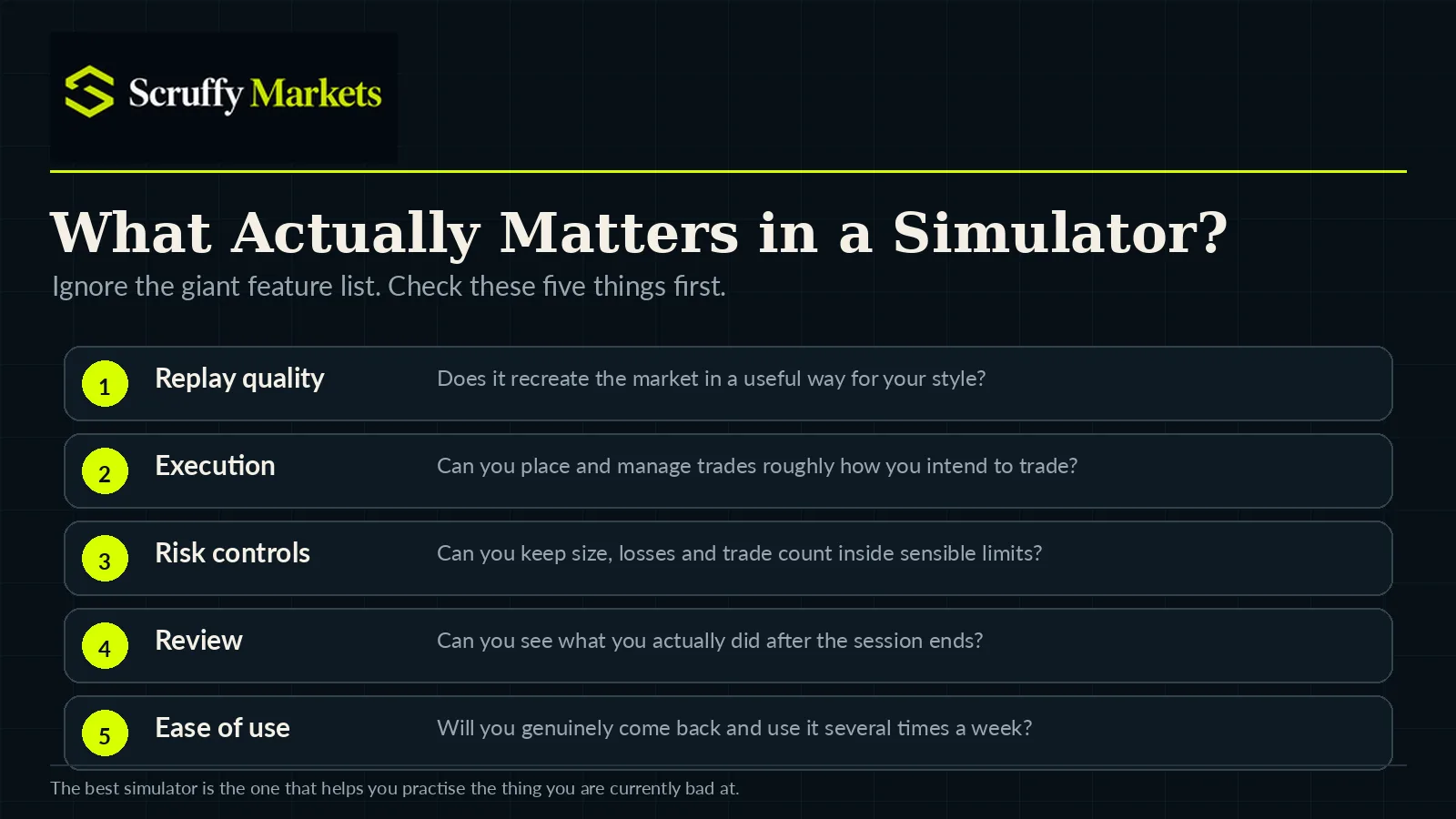
Ignore the huge feature lists for a moment.
I would concentrate on five things.
Can it replay the market in a way that is useful for your style of trading?
Can you place and manage trades in roughly the same way you intend to trade later?
Can you use realistic position sizes and risk limits?
Can you review what you did afterwards?
And, perhaps most importantly, will you actually use it regularly?
There is no point having the most sophisticated simulator available if opening it feels like such a chore that you practice once every three weeks.
A simpler tool you use four times a week will probably teach you more.
Don't Treat Simulated Profit as Proof
This applies whichever simulator you choose.
Simulation is not live trading.
Real trading introduces things that are difficult to reproduce perfectly, including execution differences, liquidity, latency and — most importantly — the emotional effect of having your own money at risk.
So if you make $5,000 in a simulator, that does not prove you would have made $5,000 live.
The more useful question is:
Did I follow my process?
Did you wait for the setup?
Did you use the correct size?
Did you respect the stop?
Did you stop when the rules told you to stop?
Those are things you can genuinely practice.
A Simple Way to Compare Simulators
Instead of reading another twenty reviews, try the platforms that interest you using exactly the same practice session.
For example:
Market: MNQ
Session: 9:30–11:00 ET
Position size: 1 contract
Maximum trades: 3
Maximum losses: 2
Setup: One clearly defined setup
Run several sessions and then ask yourself whether the simulator helped you do what you actually wanted to practise.
Could you make the decisions naturally?
Could you review them afterwards?
Could you tell which trades followed your rules?
Did the platform expose your mistakes?
And would you willingly come back and do another session tomorrow?
Those questions matter far more than whether the platform has 47 indicators you will never use.
So Which Futures Simulator Should You Choose?
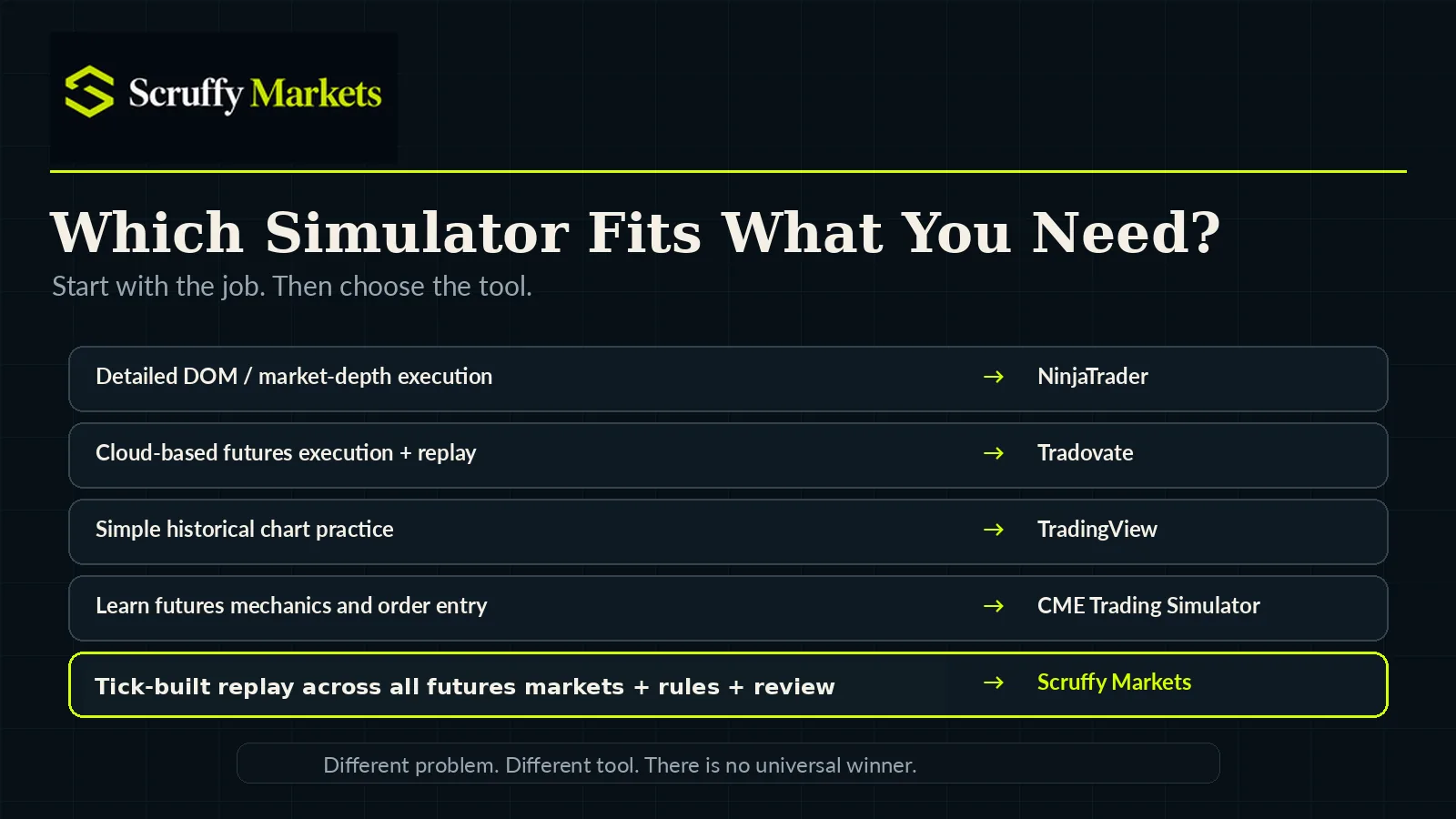
There isn't one answer.
NinjaTrader makes sense when detailed futures execution, market depth and professional trading tools are important to you.
Tradovate is worth considering if you want tick-based replay inside a cloud-focused futures trading platform.
TradingView is a strong option when straightforward historical chart practice and familiarity matter most.
CME's simulator is useful when you are still learning how futures markets and orders work.
And Scruffy Markets is built for traders who want tick replay combined with rules, review and deliberate practice.
The useful simulator is not necessarily the one with the longest feature list.
It is the one that helps you see what you are doing wrong, gives you somewhere to practice fixing it and makes it easy enough that you actually come back and do it again.
That is what a trading simulator should be for.